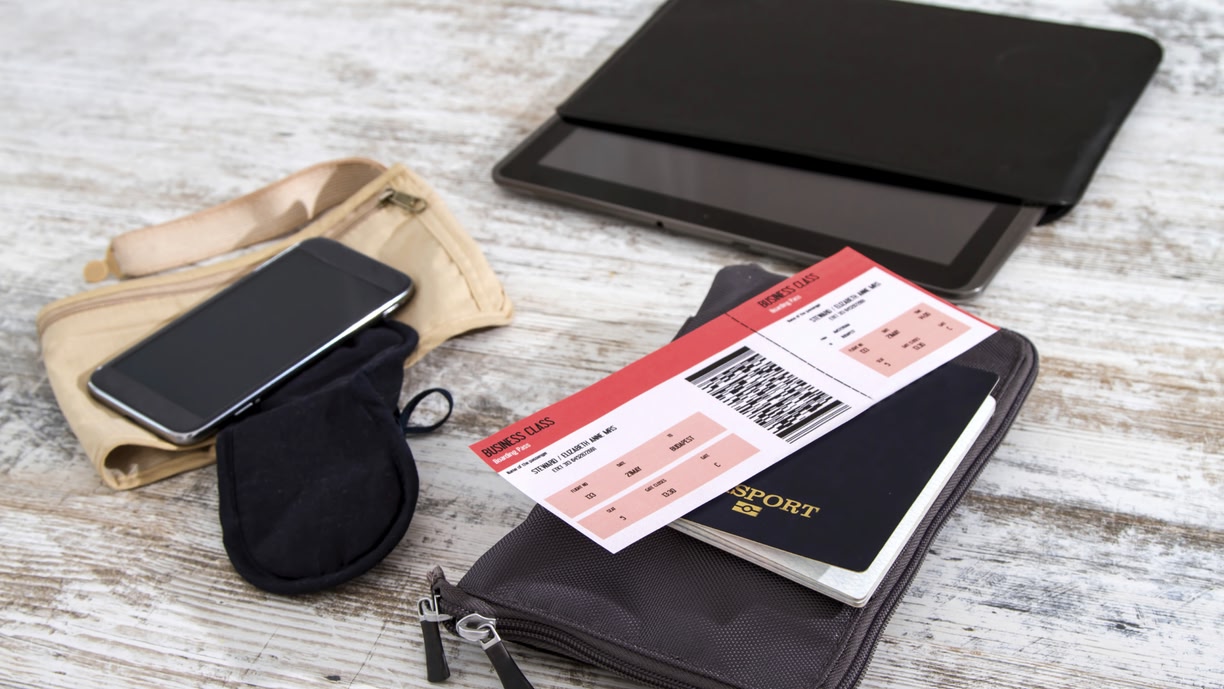
Flying on IndiGo Airlines and need your IndiGo PNR number quickly? Here we explain what a PNR is, how it differs from the flight number and most importantly how to check your IndiGo PNR status.
What is your PNR number?
PNR, also known as the Passenger Name Record, is the identification for your flight booking. It's normally six digits long and a mix of numbers and letters. The PNR follows your flight from the time you make the booking to the time you exit from arrivals. You can also use it to keep track of your flight status in real time.
The details that your PNR number allows you to access include the exact status of your ticket booking – confirmed/waitlisted, updates regarding the arrival and departure timings of your flight and information about any other changes in schedule.
Read more: All you need to know about flight enquiry
Where can I find my IndiGo flight PNR?
You can recognise a PNR number as it will have six alphanumeric characters (both letters and numbers). For IndiGo airlines, it’s usually four letters, followed by a number then finished off with a letter.
On a boarding pass or ticket, you’ll see your IndiGo PNR number clearly labelled in the “Special Services” section of the ticket. You’ll see your name, followed by the PNR number then the flight number. Remember, the PNR number and flight number are two different things.
Before you get your flight ticket or boarding pass, you can also find your PNR number in the following places:
Booking confirmation email:
You’ll usually see this at the top of the email or within the booking details section.
Indigo’s website:
You can log-in to your account with IndiGo online with or without your PNR. If you don’t have it, you’ll easily find it in your booking section once you’ve signed in.
Indigo’s app:
Head to the “Bookings” section and you’ll find it in your booking confirmation or on your boarding passes if you’ve already checked in online.
Travel agency documentation:
If you receive documents from the travel agency to confirm your booking, your PNR will be clearly indicated. You’ll usually find it at the top of any documents they provide.
Read more: IndiGo Flight Offers

Important: The PNR number corresponds to the booking, not to individual passengers
The best way to think about your PNR number is as your booking reference. If you book flight tickets for more than one person, you’ll get one PNR number that covers everyone.
Likewise, if there's more than one flight on your booking, the PNR applies to all of those flights.
If you’ve made the booking for multiple passengers, it’s good sense for you to keep track of the PNR number as the principal passenger.
Once everything has been finalised you’ll receive the booking confirmation, which includes the PNR number for every person and flight on your booking. Before your flight, you can log into the IndiGo website or app using the PNR number and check-in for the flight online. You can then view and download the boarding passes for each of the passengers in your party. IndiGo recommends carrying a printed or soft copy of each of the boarding passes when you arrive at the airport.
If you have a confirmed flight PNR status IndiGo ticket, you can still get onto your IndiGo flight without a physical copy of the ticket. All you need to do is inform the person in-charge of your PNR number and you’re good to go at the airport. Or you can simply show them your digital ticket in the IndiGo app, which will include your PNR number and all the details for your flight.
Track flights from/to major Indian airports
Expecting family at Indira Gandhi International Airport? Let Skyscanner help figure out whether the flight is on time. For flights arriving at / departing from New Delhi, click here.
Departing from Chhatrapati Shivaji International Airport in Mumbai? Find out if there is a change in schedule. For flights arriving at / departing from Mumbai, click here.
Travelling to Kolkata? Confirm your arrival terminal when you land at Kolkata’s Netaji Subhash Chandra Bose International Airport. For flights arriving at / departing from Kolkata, click here.
Is that flight from Chennai International Airport leaving on time? Find out with a little help from Skyscanner. For flights arriving at / departing from Chennai, click here.
Read more: How to book flights easily

Useful Skyscanner tools and tips that you should know about
If you're on the lookout for free, fun and simple flight fare hacking tools, Skyscanner is your one-stop-shop. Get to know all about these awesome tools for the cheapest flight fares around.
Skyscanner’s Cheapest Month feature gives you a peek at the month / dates on which the fare for the route that you are interested in is the cheapest. Pretty handy, right?
The Price Alert tool keeps you in the loop as and when the price of the flight that you have been tracking changes. This can help save you money and make sure you don't miss out on any bargains.
Another gem, Skyscanner’s Everywhere Search tool, is designed to inspire you to book a flight even without knowing where you want to go! Read more about this tool here and let your next holiday be decided by price.
Read more: First time flyers’ guide
Constantly on the move? Download Skyscanner’s award-winning and user-friendly, 3-in-1 travel app now.


